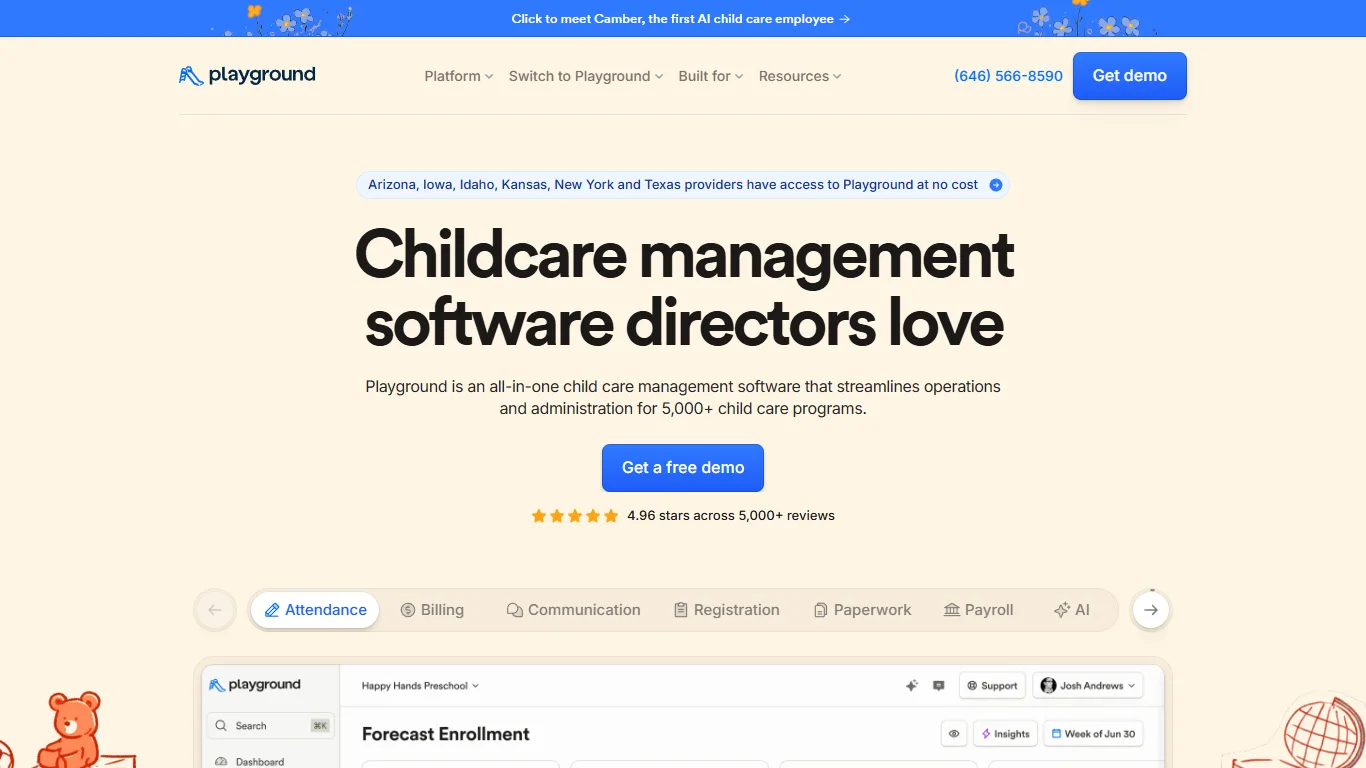
79/100
Playground
Childcare operators that want enrollment, billing, and communication tools
Starting price: Request demo
Home / Childcare Centers / Playground vs brightwheel
Side-by-side comparison
Use this comparison to narrow a shortlist before booking demos. The score is a directional editorial signal; the buying decision should come from testing your own workflow and confirming current vendor pricing.
79/100
Childcare operators that want enrollment, billing, and communication tools
Starting price: Request demo
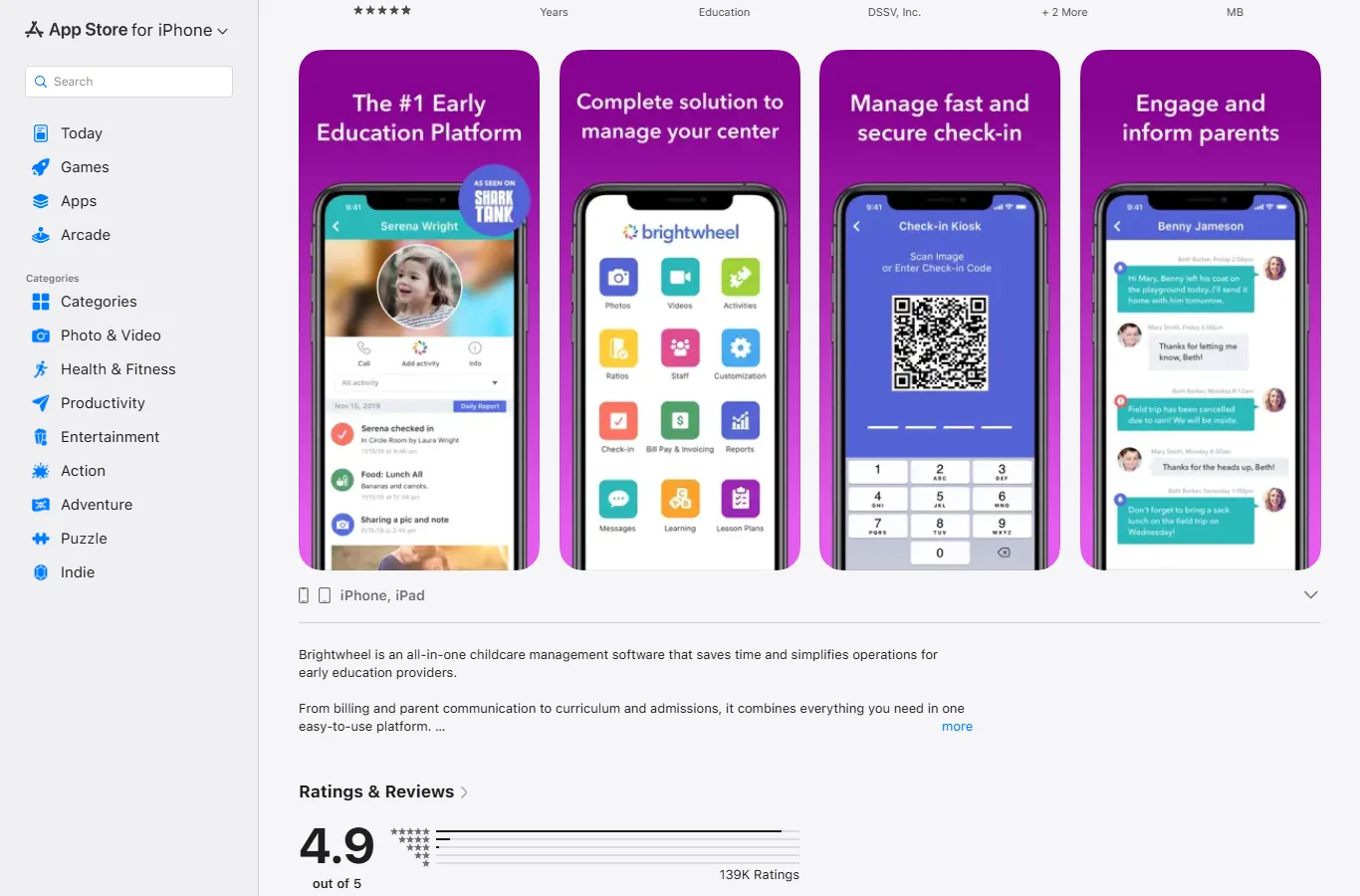
82/100
Preschools and childcare teams that need parent app and billing workflows
Starting price: Custom pricing
| Question | Playground | brightwheel |
|---|---|---|
| Best fit | Childcare operators that want enrollment, billing, and communication tools | Preschools and childcare teams that need parent app and billing workflows |
| Pricing signal | Request demo | Custom pricing |
| Verify before buying | July 22, 2026 | July 22, 2026 |
| Strengths to test | Official site positions Playground as all-in-one childcare management software for 5,000+ programs; Feature messaging covers attendance, billing, communication, registration, paperwork, payroll, and AI; Some state providers may have access at no cost according to the official homepage | Official pricing page explains custom pricing based on program details; All-in-one platform covers billing, communication, attendance, forms, operations, reporting, and learning; Billing pages document invoicing, autopay, subsidy tracking, tax reporting, and payment workflows |
| Watch-outs | Public pricing needs demo/vendor confirmation for most programs; State-specific no-cost access should be verified before publishing claims for a buyer | Custom pricing requires center-specific quote collection; Payment processing and feature fit should be modeled by enrollment size and locations |
Choose Playground if its best-fit workflow matches your current bottleneck more closely. Choose brightwheel if its pricing model, setup effort, or operating style feels easier for your team to adopt. If both look close, run the same demo script in each product and compare the total annual cost.
Childcare centers that need billing, attendance, and parent communication
Seven practical questions to answer before you book a software demo.
A practical way to calculate plan upgrades, fees, add-ons, and migration time.
Plan a low-risk move from an old system without losing data or bookings.