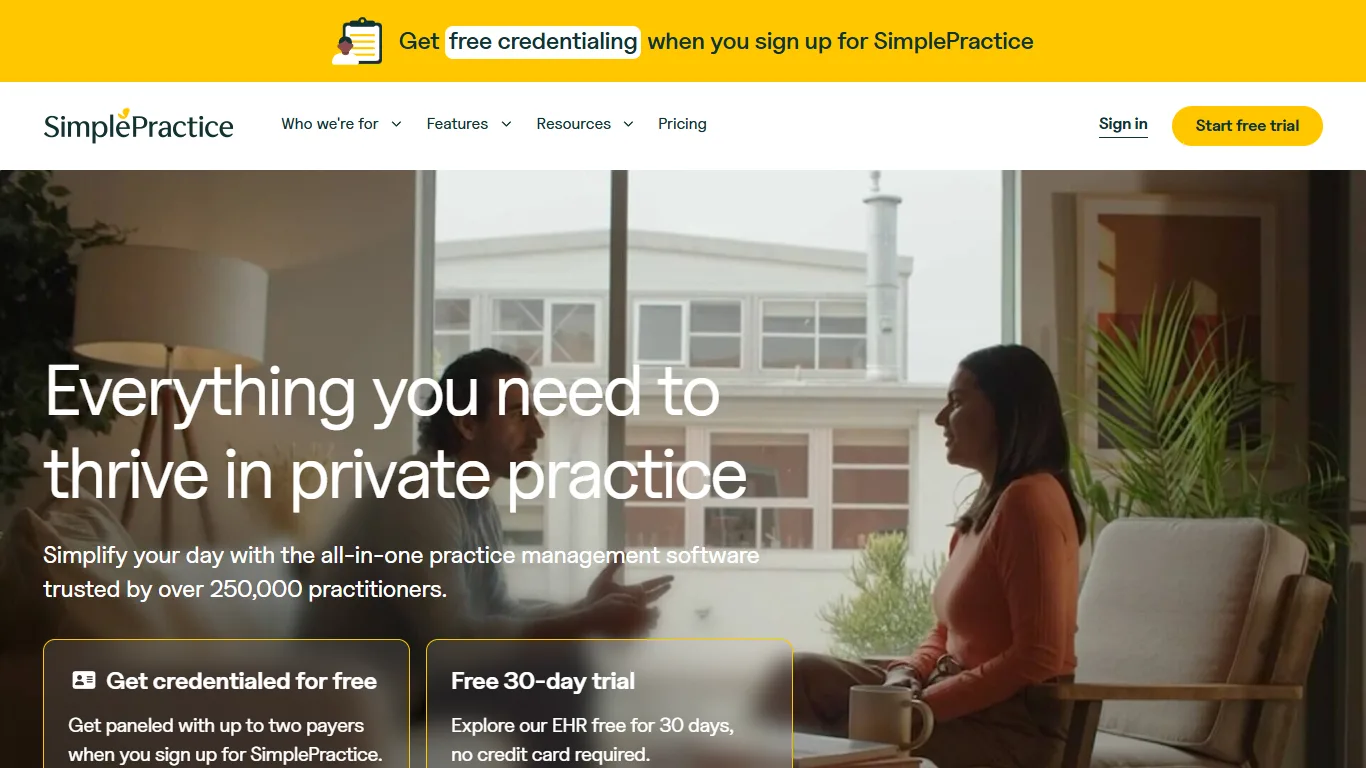
79/100
SimplePractice
Solo and small clinics that need scheduling, notes, billing, and telehealth
Starting price: From $49/month
Home / Chiropractic Clinics / SimplePractice vs ChiroTouch
Side-by-side comparison
Use this comparison to narrow a shortlist before booking demos. The score is a directional editorial signal; the buying decision should come from testing your own workflow and confirming current vendor pricing.
79/100
Solo and small clinics that need scheduling, notes, billing, and telehealth
Starting price: From $49/month
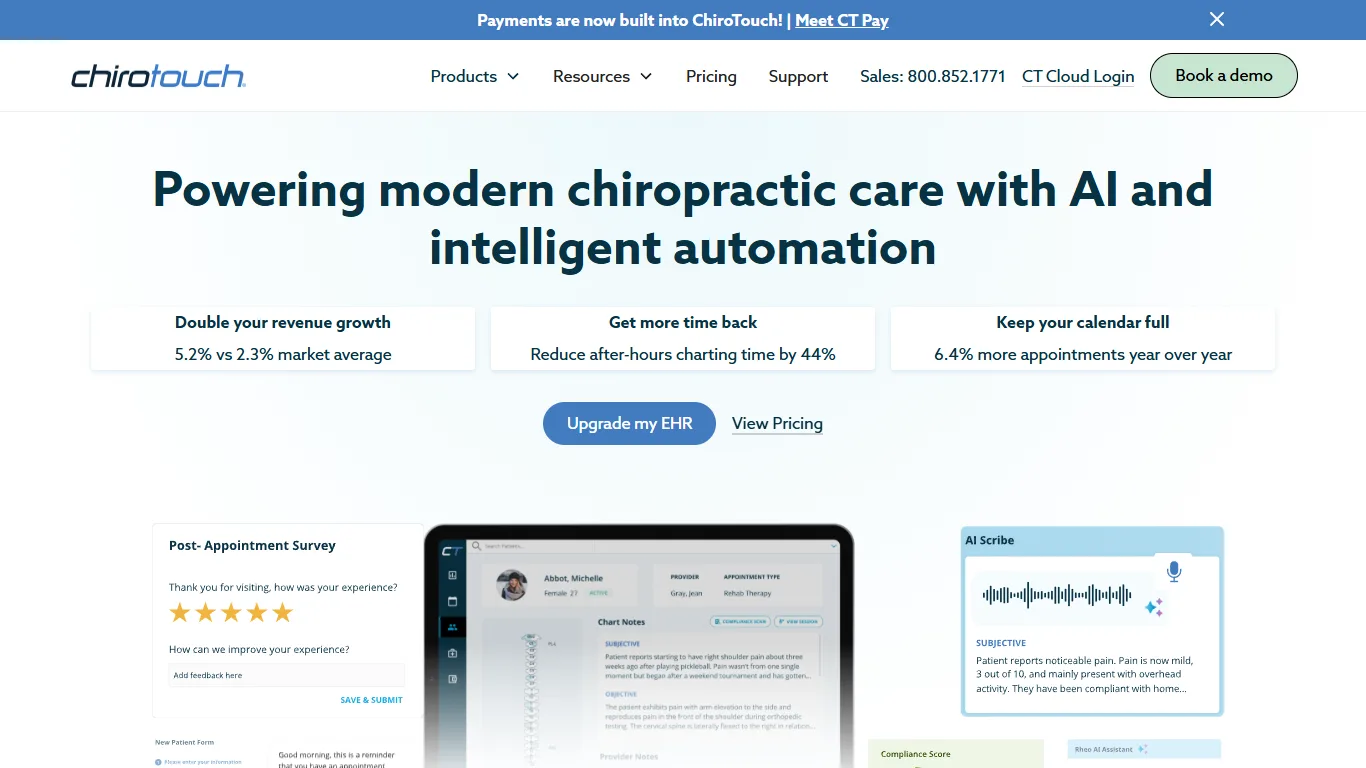
83/100
Chiropractic clinics that need EHR and practice management
Starting price: Request pricing
| Question | SimplePractice | ChiroTouch |
|---|---|---|
| Best fit | Solo and small clinics that need scheduling, notes, billing, and telehealth | Chiropractic clinics that need EHR and practice management |
| Pricing signal | From $49/month | Request pricing |
| Verify before buying | July 22, 2026 | July 22, 2026 |
| Strengths to test | Official pricing page publishes Starter, Essential, and Plus monthly plan prices; Broad clinic workflow includes scheduling, notes, billing, claims, telehealth, client portal, and payments; Support documentation explains team-member and add-on pricing in detail | Official pricing page lists Start, Grow, and Scale packages; Chiropractic-specific workflow includes EHR, scheduling, patient management, payments, reminders, and patient portal; Add-on path covers payments, billing suite, clearinghouse, and exercise workflows |
| Watch-outs | Group practices need Plus and extra clinician pricing can materially change cost; AI, ePrescribe, claims, reminders, and payments can add cost depending on workflow | Plan pricing is request/demo based rather than a fixed public monthly price; Billing, clearinghouse, AI, and engagement add-ons need quote-level verification |
Choose SimplePractice if its best-fit workflow matches your current bottleneck more closely. Choose ChiroTouch if its pricing model, setup effort, or operating style feels easier for your team to adopt. If both look close, run the same demo script in each product and compare the total annual cost.
Clinics that want scheduling, charting, payments, and patient booking
Seven practical questions to answer before you book a software demo.
A practical way to calculate plan upgrades, fees, add-ons, and migration time.
Plan a low-risk move from an old system without losing data or bookings.