Independent review
Home / Auto Repair Shops / AutoLeap
AutoLeap review.
AutoLeap is auto repair management software with repair orders, inspections, work boards, customer communication, parts tools, payments, reporting, and higher-tier shop growth features.

83/100Best forRepair shops that want modern workflow and inspection tools
Starting price: From $179/month annually
Reviewed by TradeToolFinder Editorial Team - Last verified: July 22, 2026. Pricing checked: July 22, 2026.
Primary source: official product information
Buying decision
Short answer
Put AutoLeap on your demo list if your operation matches "Repair shops that want modern workflow and inspection tools". Compare it against the alternatives below before signing, because pricing, onboarding effort, and workflow fit can change the real value quickly.
Check pricing context → Compare alternatives →
Visit official website
Strengths
- Published Essentials, Pro, Elite, and Enterprise pricing
- Unlimited repair orders and invoices are part of the plan messaging
- Higher tiers add two-way texting, inventory, technician app, labor guides, and real-time dashboards
Watch-outs
- Advanced inspection, marketing, payments, and multi-shop features may require higher plans or add-ons
- Annual and monthly prices differ, so shops should model the billing commitment
Who this is for
This tool is listed for auto repair shops that need repair orders, estimates, digital vehicle inspections, customer approvals, parts lookup, technician workflow, invoicing, payments, and shop reporting. It is most valuable when advisors and technicians need one shared view of the job.
Test this before buying
Create a repair order, build an estimate, send a digital inspection, get customer authorization, order parts, assign work, invoice, collect payment, and review shop performance. Include declined work and follow-up reminders in the test.
Cost and rollout
Compare monthly plan, included users, extra users, inspections, texting, labor guides, inventory, payment tools, accounting, onboarding, and multi-shop reporting. Add-ons can change the real cost materially.
Bottom line
Choose the system that speeds advisor communication, keeps technicians aligned, and turns inspection findings into clear approved work.
Alternatives
Compare before you buy.
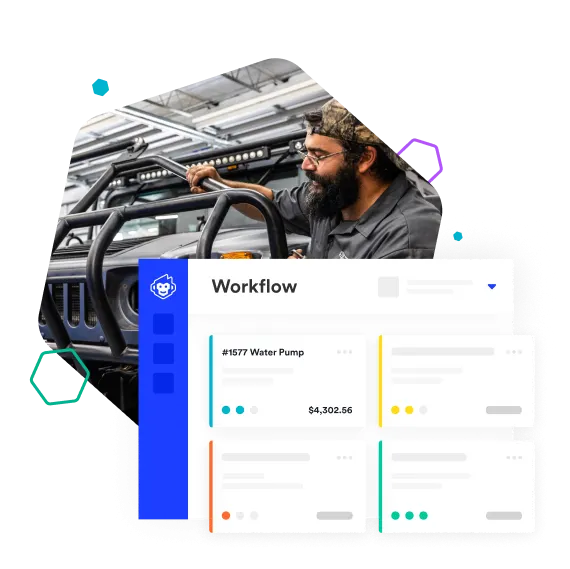
Shopmonkey
Repair shops that want all-in-one shop management
87/100
Read review →
Tekmetric
Shops that want unlimited users and strong reporting
85/100
Read review →
Next step
Guides that help before a demo.
How to choose software without overbuying
Seven practical questions to answer before you book a software demo.
Read guide →
The real cost of starting-at pricing
A practical way to calculate plan upgrades, fees, add-ons, and migration time.
Read guide →
A practical software migration checklist
Plan a low-risk move from an old system without losing data or bookings.
Read guide →