Independent review
Home / Mobile Car Detailing / Mobile Tech RX
Mobile Tech RX review.
Mobile Tech RX is an automotive reconditioning platform for detailing and auto-recon teams that need estimates, invoicing, scheduling, payments, and before-and-after documentation in one workflow.

86/100Best forSolo operators and small fleets
Starting price: $39/admin/month
Reviewed by TradeToolFinder Editorial Team - Last verified: July 22, 2026. Pricing checked: July 22, 2026.
Primary source: official product information
Buying decision
Short answer
Put Mobile Tech RX on your demo list if your operation matches "Solo operators and small fleets". Compare it against the alternatives below before signing, because pricing, onboarding effort, and workflow fit can change the real value quickly.
Check pricing context → Compare alternatives →
Visit official website
Strengths
- Unlimited estimates and invoices on the Getting Started plan
- Scheduling and before-and-after photo capture for jobs
- Integrated card payments, reporting, and QuickBooks support
Watch-outs
- Pricing changes with user count and applicable local sales tax
- Its broad auto-reconditioning scope can be more than a detail-only operator needs
Who this is for
This tool is listed for detailing and auto-reconditioning businesses that need a dependable path from lead to estimate, scheduled job, job documentation, invoice, and payment. It is most relevant when technicians work away from a desk or the owner needs more visibility across several jobs.
Test this before buying
Build a real estimate with your usual services and add-ons. Schedule it to a technician, capture before-and-after photos, update the customer, collect a payment, and export the result to accounting if needed. Test the flow on the device your team actually uses in the field.
Cost and rollout
Look beyond the monthly subscription. Include admin and technician licences, card processing, mobile access, photo storage, integrations, and any setup services. If you operate a fleet, confirm how routing, job assignment, and permissions scale.
Bottom line
Choose the platform that makes it easier to document work and collect payment without slowing technicians down between appointments.
Alternatives
Compare before you buy.
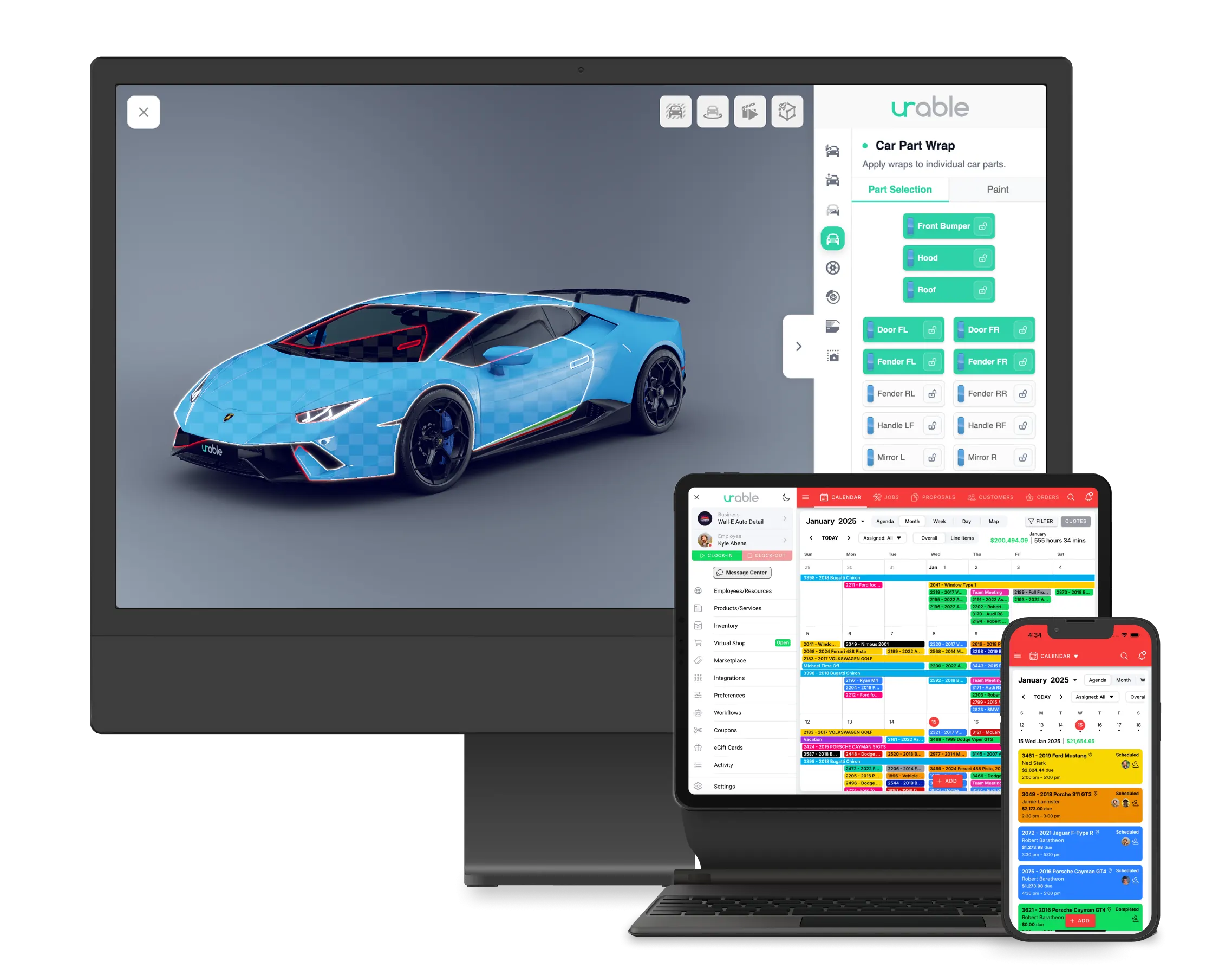
Urable
Growing shops that need booking and operations tools
83/100
Read review →

DetailBook
Solo detailers focused on self-service booking
79/100
Read review →
Next step
Guides that help before a demo.
How to choose software without overbuying
Seven practical questions to answer before you book a software demo.
Read guide →
The real cost of starting-at pricing
A practical way to calculate plan upgrades, fees, add-ons, and migration time.
Read guide →
A practical software migration checklist
Plan a low-risk move from an old system without losing data or bookings.
Read guide →