Independent review
Home / Pool Service Companies / Pool Office Manager
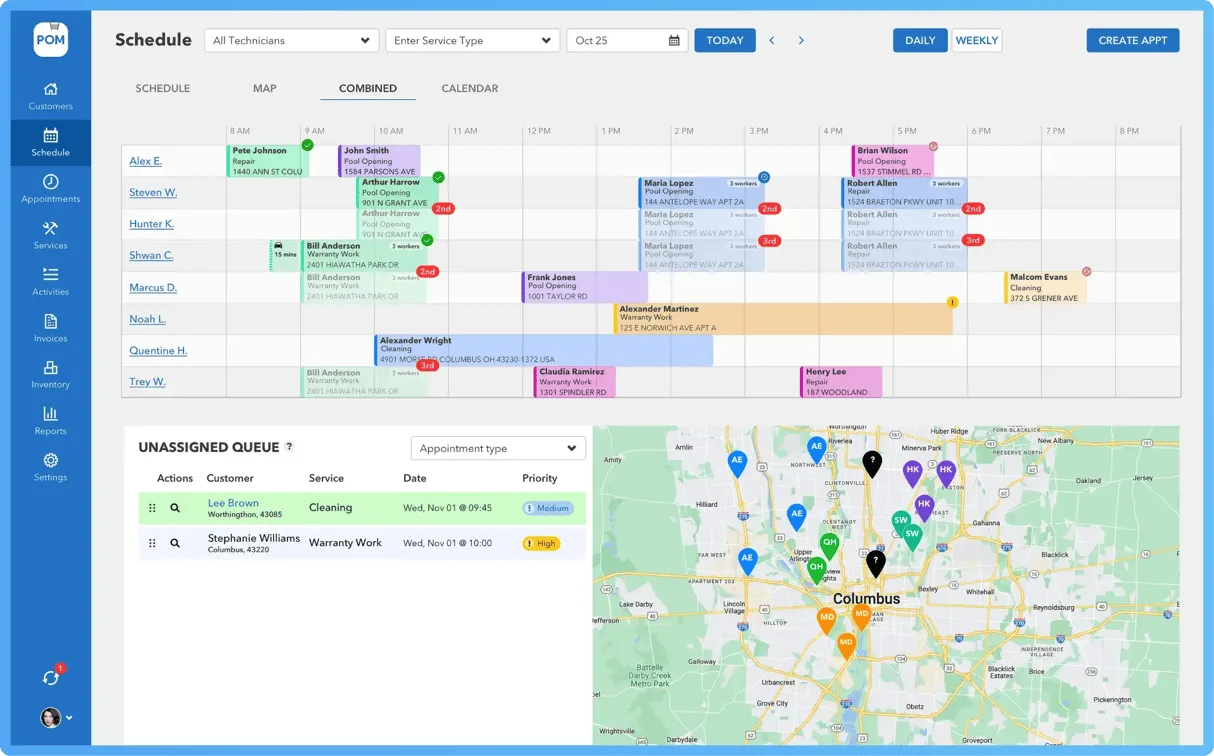
Pool Office Manager review.
Pool Office Manager is a shortlist candidate for pool companies that need seasonal scheduling, chemicals, inventory, quotes, contracts, invoicing, QuickBooks, and route workflows.
79/100Best forPool companies that need office scheduling and billing
Starting price: From $125/month first user
Reviewed by TradeToolFinder Editorial Team - Last verified: July 22, 2026. Pricing checked: July 22, 2026.
Primary source: official product information
Buying decision
Short answer
Put Pool Office Manager on your demo list if your operation matches "Pool companies that need office scheduling and billing". Compare it against the alternatives below before signing, because pricing, onboarding effort, and workflow fit can change the real value quickly.
Check pricing context → Compare alternatives →
Visit official website
Strengths
- Official pricing page publishes first-user and additional-user pricing
- Pool-specific workflow covers scheduling, chemicals, inventory, quotes, contracts, invoices, and QuickBooks integration
- Seasonal user flexibility can matter for pool service teams
Watch-outs
- Activation fee and QuickBooks add-on should be verified before buying
- User-based pricing needs modeling for seasonal crews
- Real product screenshots should be kept current with local verified files
Who Pool Office Manager is for
Pool Office Manager is a shortlist candidate for pool businesses that want a complete operational system for scheduling, chemicals, inventory, quotes, contracts, invoices, service reports, and QuickBooks workflows.
What to verify in a demo
Build a route, complete a service visit, record chemical usage, create a quote or contract, invoice the customer, and sync with QuickBooks. Seasonal teams should test deactivating and reactivating users.
Pricing notes
The official pricing page currently lists $125/month for the first user and $25/month per additional user, with seasonal flexibility and optional QuickBooks integration. Before buying, confirm activation fees, fleet-rate thresholds, add-ons, and seasonal billing rules.
Editorial checklist
Keep screenshots current, verify pricing and activation terms, compare with Skimmer for route-heavy teams, and explain when user-based pricing is better than location-based pricing.
Alternatives
Compare before you buy.
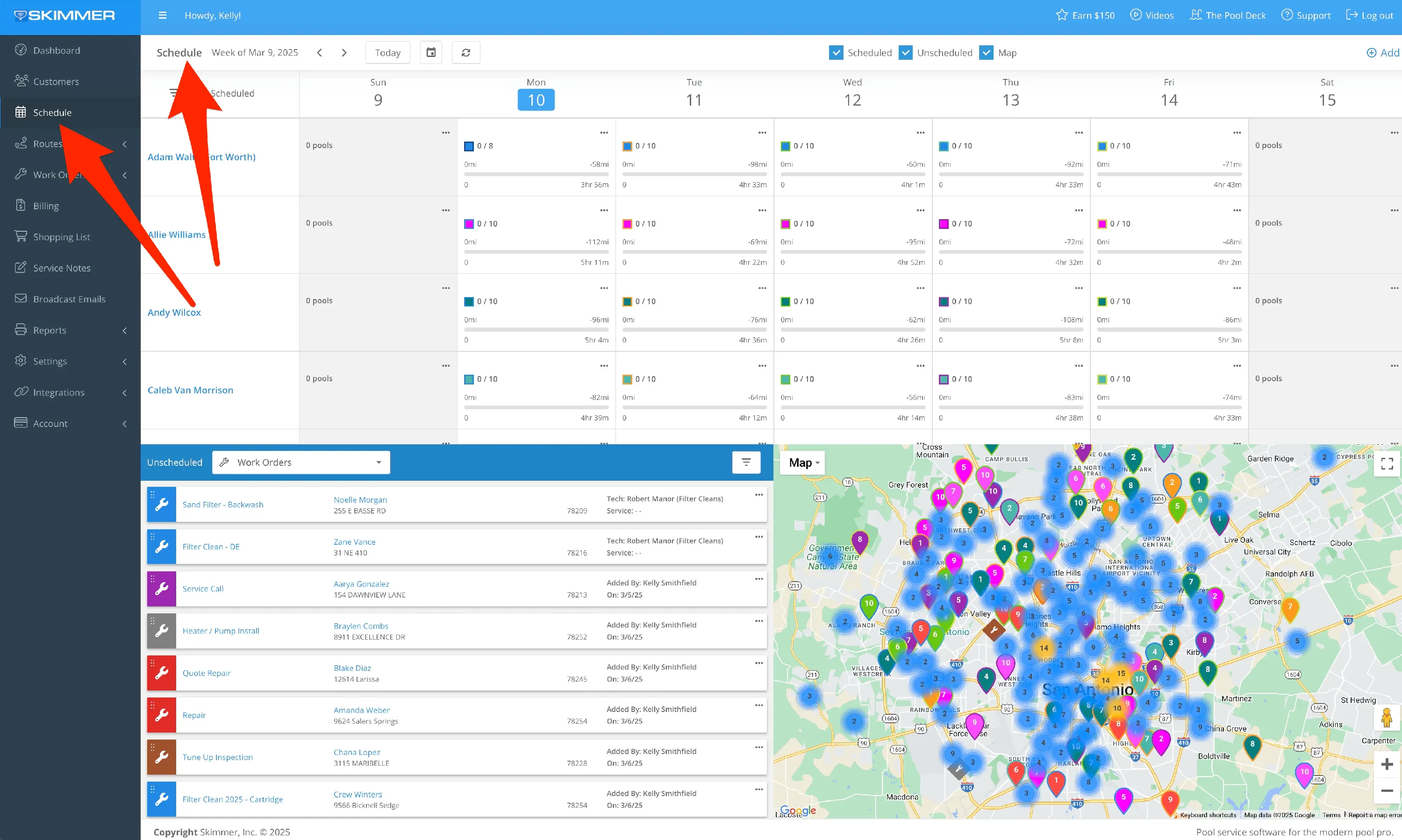
Skimmer
Pool service routes with readings, photos, and recurring visits
83/100
Read review →
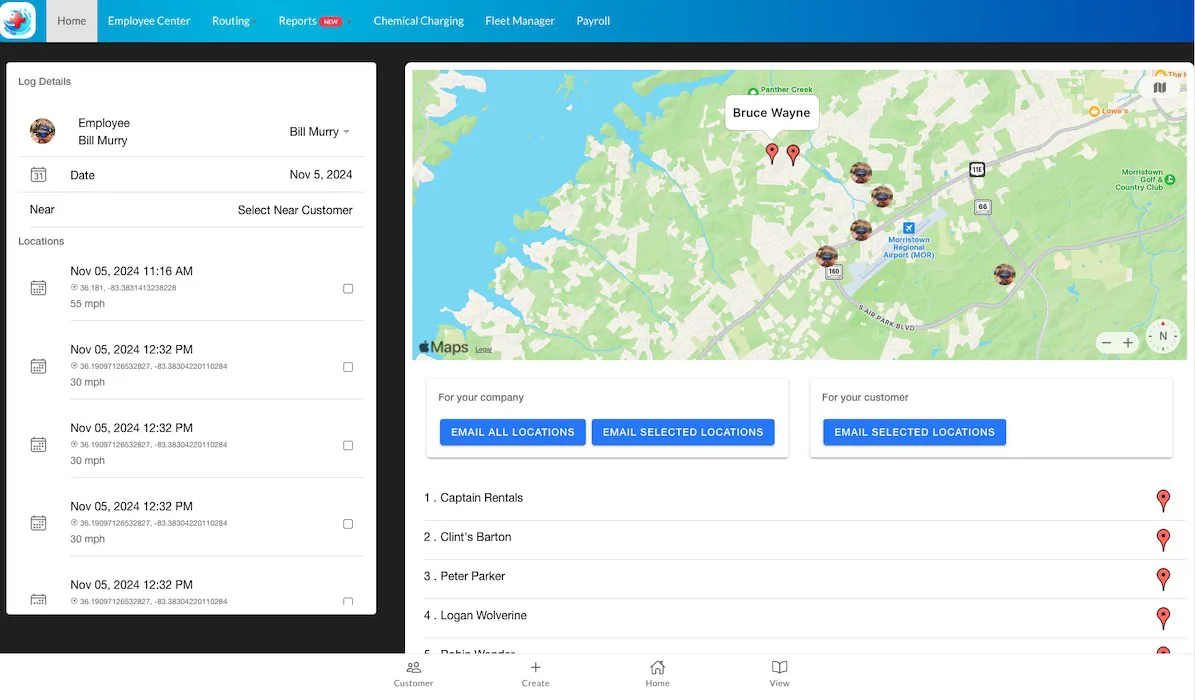
Paythepoolman
Pool service teams that want billing and route management
77/100
Read review →
Next step
Guides that help before a demo.
How to choose software without overbuying
Seven practical questions to answer before you book a software demo.
Read guide →
The real cost of starting-at pricing
A practical way to calculate plan upgrades, fees, add-ons, and migration time.
Read guide →
A practical software migration checklist
Plan a low-risk move from an old system without losing data or bookings.
Read guide →