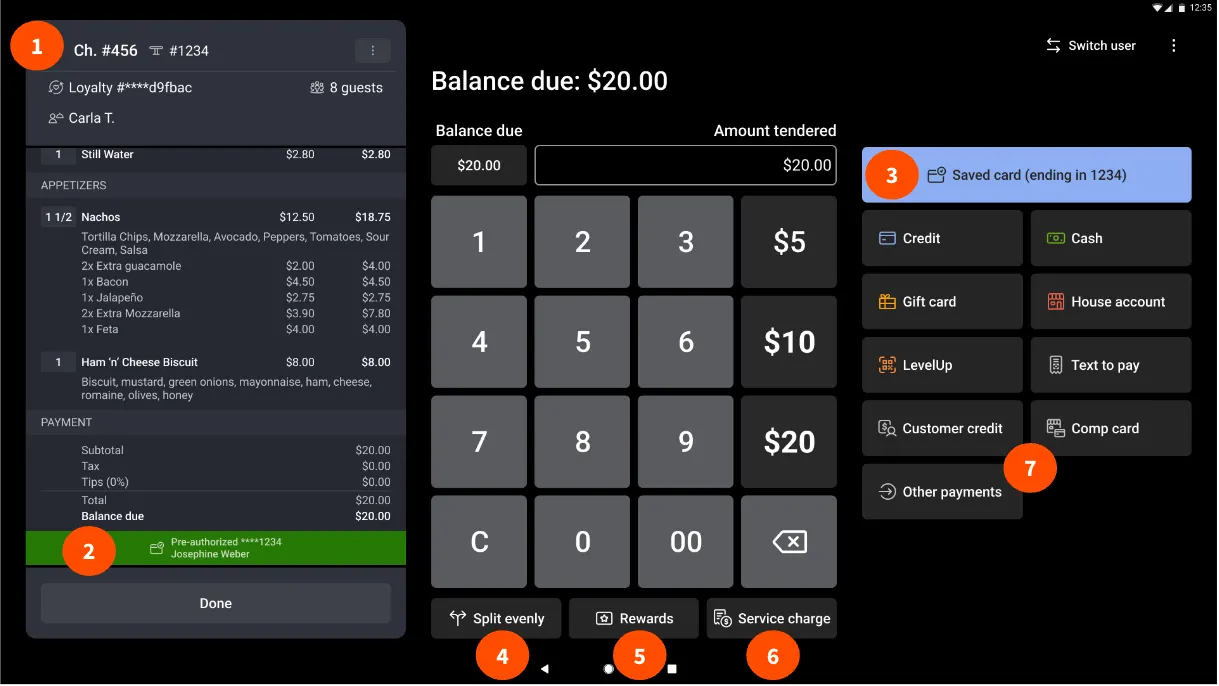
81/100
Toast
Food service and multi-location operations
Starting price: From $0/month + processing
Home / Independent Coffee Shops / Toast vs Lightspeed Restaurant
Side-by-side comparison
Use this comparison to narrow a shortlist before booking demos. The score is a directional editorial signal; the buying decision should come from testing your own workflow and confirming current vendor pricing.
81/100
Food service and multi-location operations
Starting price: From $0/month + processing
78/100
Complex menus and inventory
Starting price: $69/month
| Question | Toast | Lightspeed Restaurant |
|---|---|---|
| Best fit | Food service and multi-location operations | Complex menus and inventory |
| Pricing signal | From $0/month + processing | $69/month |
| Verify before buying | July 22, 2026 | July 22, 2026 |
| Strengths to test | Starter option can begin at $0 per month with payment processing; Restaurant POS plan offers cloud POS and configurable hardware; Toast Care support is included with software subscriptions | Starter, Essential, Premium, and enterprise plan paths are published; Menu configuration, floor plans, insights, and offline mode support core restaurant operations; Higher plans add tools such as multi-location management and advanced inventory |
| Watch-outs | Hardware, implementation, and processing costs depend on the selected package; Some pricing options come with contractual terms and location restrictions | Some capabilities, including reservations and kitchen displays, are add-ons or separately priced; Published prices can vary with business requirements and payment configuration |
Choose Toast if its best-fit workflow matches your current bottleneck more closely. Choose Lightspeed Restaurant if its pricing model, setup effort, or operating style feels easier for your team to adopt. If both look close, run the same demo script in each product and compare the total annual cost.
Single-site and growing cafés
Seven practical questions to answer before you book a software demo.
A practical way to calculate plan upgrades, fees, add-ons, and migration time.
Plan a low-risk move from an old system without losing data or bookings.