Independent review
Home / Independent Coffee Shops / Toast
Toast review.
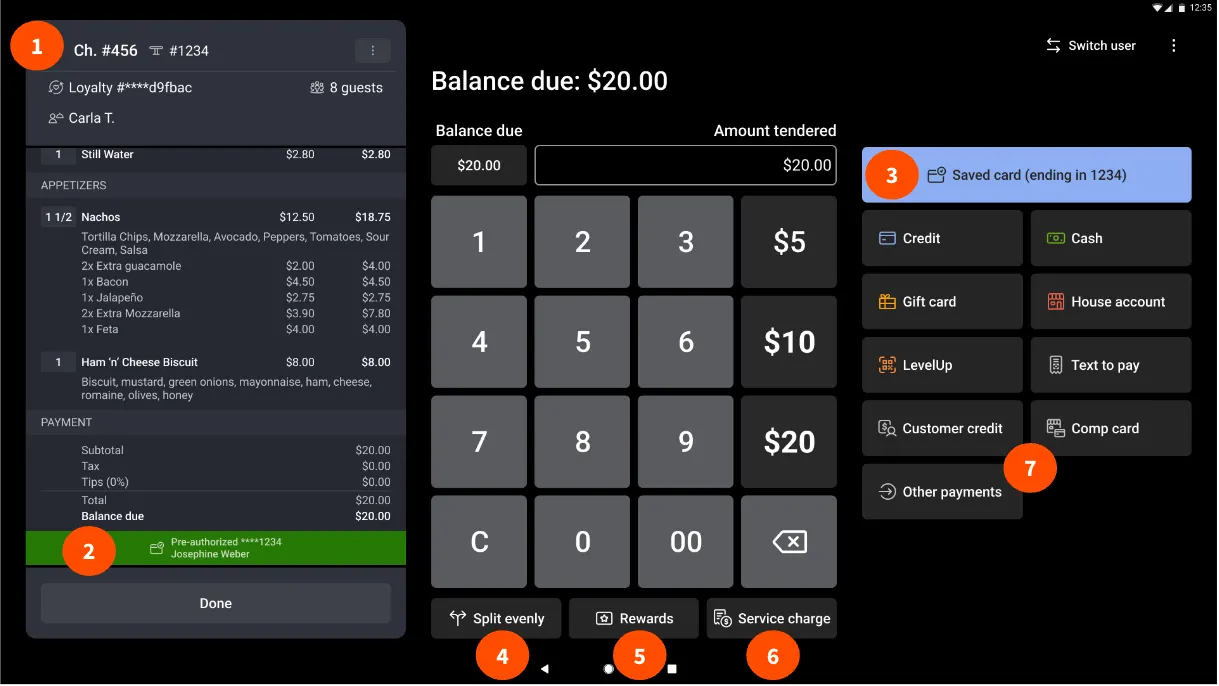
Toast is a restaurant-focused platform combining cloud POS with hardware, payment processing, reporting, and optional tools for team and operations management.
81/100Best forFood service and multi-location operations
Starting price: From $0/month + processing
Reviewed by TradeToolFinder Editorial Team - Last verified: July 22, 2026. Pricing checked: July 22, 2026.
Primary source: official product information
Buying decision
Short answer
Put Toast on your demo list if your operation matches "Food service and multi-location operations". Compare it against the alternatives below before signing, because pricing, onboarding effort, and workflow fit can change the real value quickly.
Check pricing context → Compare alternatives →
Visit official website
Strengths
- Starter option can begin at $0 per month with payment processing
- Restaurant POS plan offers cloud POS and configurable hardware
- Toast Care support is included with software subscriptions
Watch-outs
- Hardware, implementation, and processing costs depend on the selected package
- Some pricing options come with contractual terms and location restrictions
Who this is for
This tool is listed for independent cafés that need a reliable point of sale plus a practical view of sales, menu performance, payments, staff activity, and inventory. It is most important to test when the shop has a busy counter, a changing menu, or plans to add loyalty, online ordering, or another location.
Test this before buying
Ring up a typical order with modifiers, apply a discount, split payment, issue a refund, and close a shift. Then check a sales report and make a simple menu or inventory change. If you offer online orders, test how that order reaches the counter and appears in reporting.
Cost and rollout
Include terminals, printers, installation, payment processing, software subscriptions, add-on modules, and support. Check contractual terms and whether the selected plan works with the hardware you intend to use.
Bottom line
Choose the POS that stays fast during service while giving the owner trustworthy reporting after the doors close.
Alternatives
Compare before you buy.
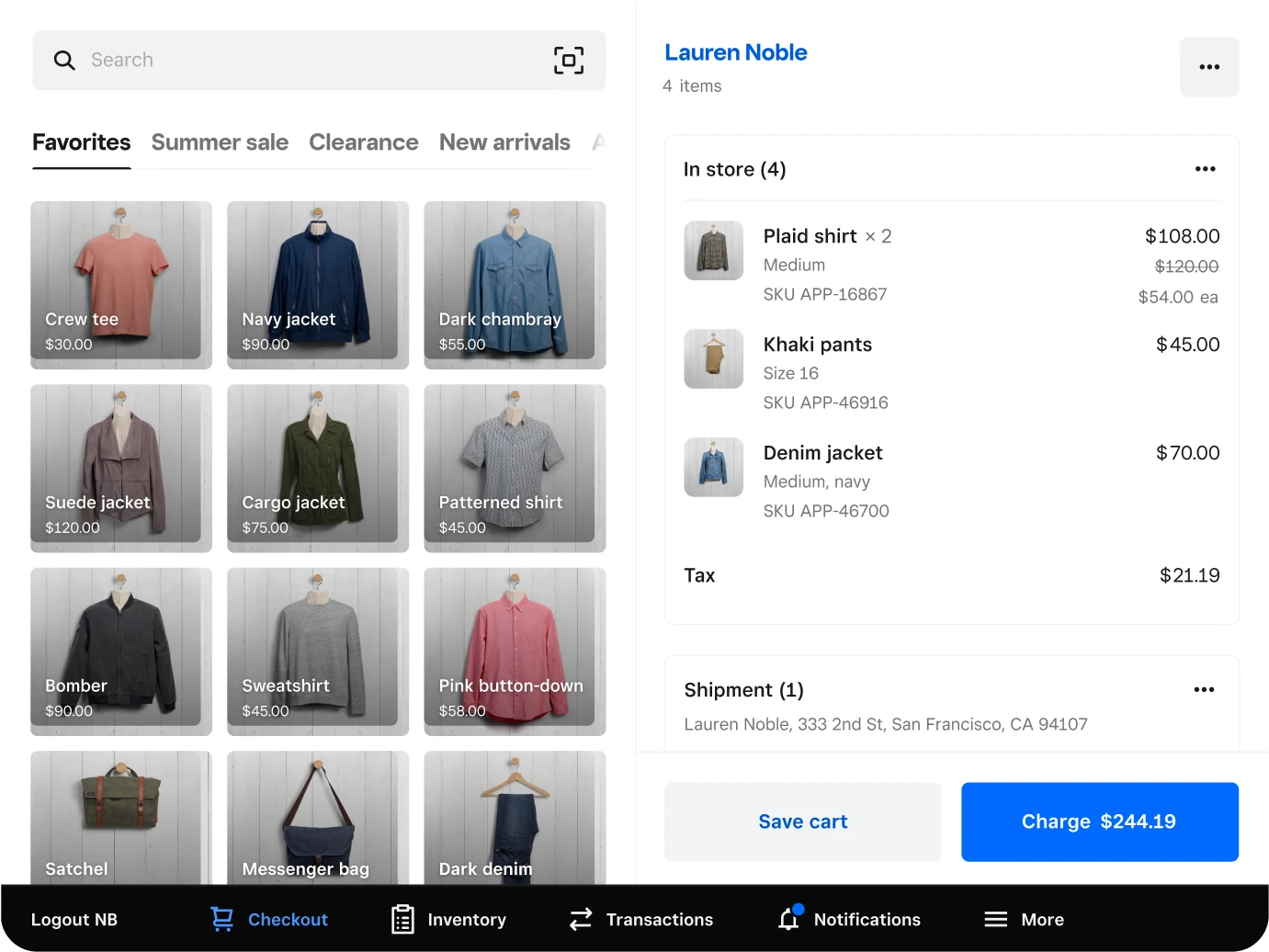
Square for Retail
Single-site and growing cafés
84/100
Read review →
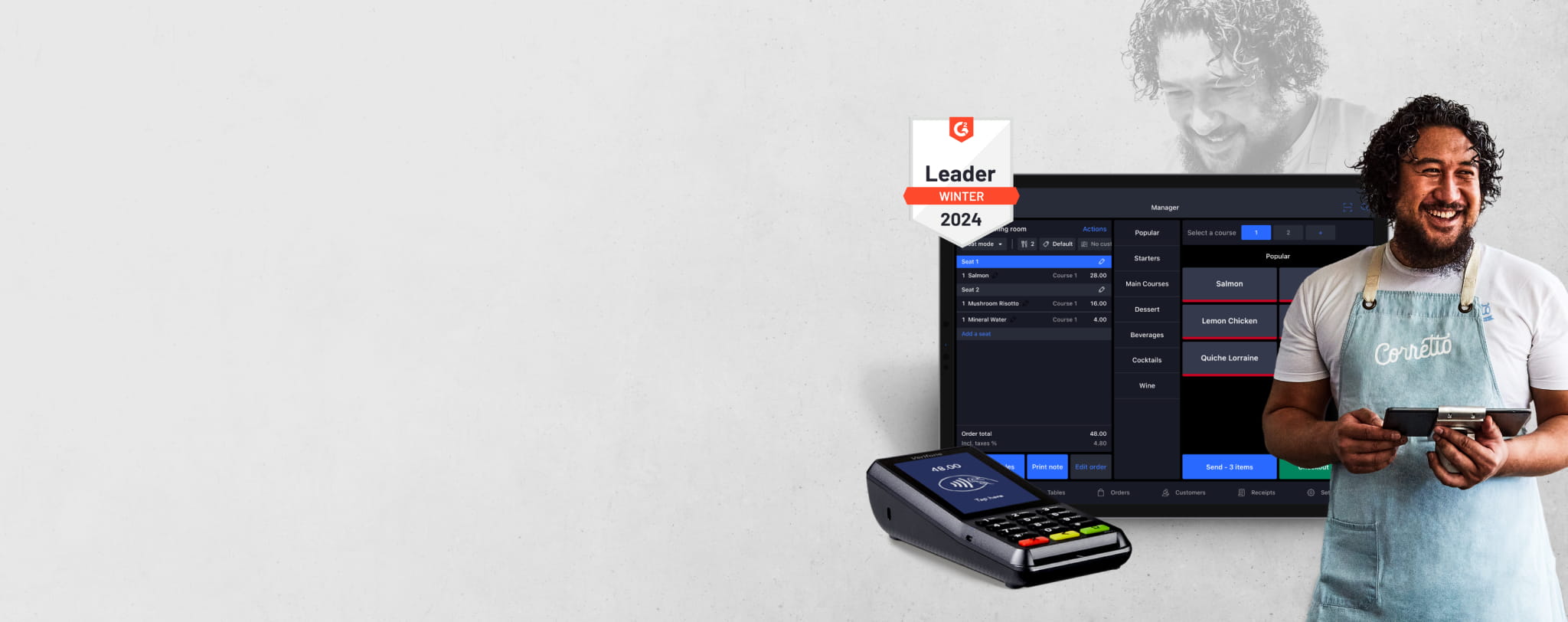
Lightspeed Restaurant
Complex menus and inventory
78/100
Read review →
Next step
Guides that help before a demo.
How to choose software without overbuying
Seven practical questions to answer before you book a software demo.
Read guide →
The real cost of starting-at pricing
A practical way to calculate plan upgrades, fees, add-ons, and migration time.
Read guide →
A practical software migration checklist
Plan a low-risk move from an old system without losing data or bookings.
Read guide →